




Roar
A free, open-source Mac browser your AI agent can drive over MCP
About
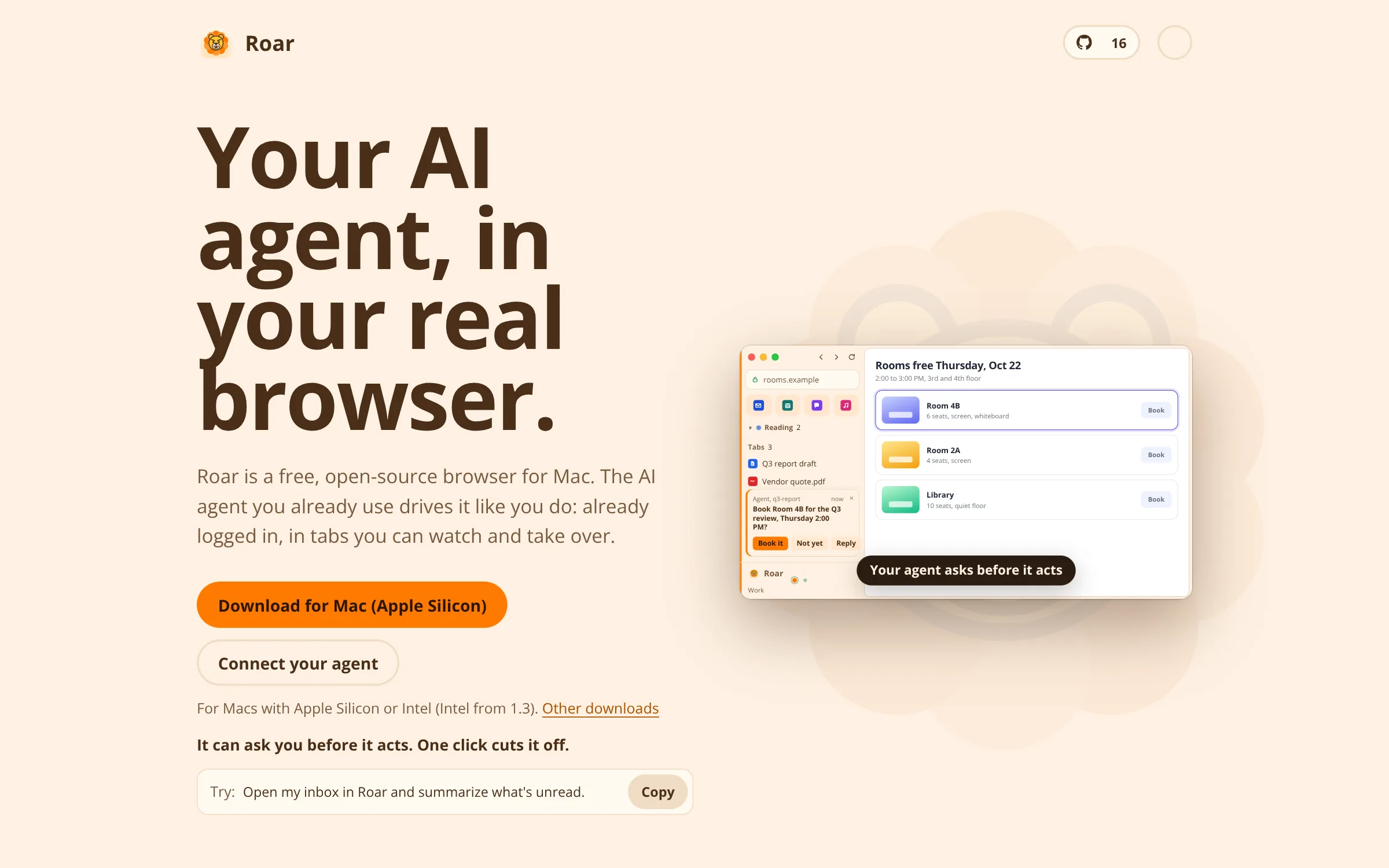
Roar is a free, open-source browser for Mac. It has spaces in a vertical sidebar, each with its own tabs and logins, plus pinned tabs, groups and split view. Tabs that you open yourself sit beside the pages an agent opens, and you can watch, take over or close them.
An AI agent you already use can connect to Roar through its built-in MCP server, roar-mcp, which ships inside the app. The agent works in your real browser, already logged in. It can ask you before it acts, and one click on the sidebar dot blocks the space you're in. Agents can also use a hidden, headless Roar with its own profile.
Roar is MIT licensed and has no built-in assistant; you bring your own agent. It needs macOS 13 or later on Apple Silicon or Intel (Intel from version 1.3). Roar is built on Chromium (CEF).
How it was made
Estimated by the maker.
Agents
Stack
MCP servers
No MCP servers. Built with the agents alone.
More like this

Auto-unlock and lock Windows with your AppleWatch